
Jurassic Slots Casino Login
Games at Jurassic Slots Casino






All Games




You can log in to your Jurassic Slots Casino account in under two minutes by following the steps. If you are blocked, the solutions here address forgotten passwords, unconfirmed emails, account locks and verification delays. Live chat support is available 24/7 for any remaining issues.
How to Log In: Step-by-Step
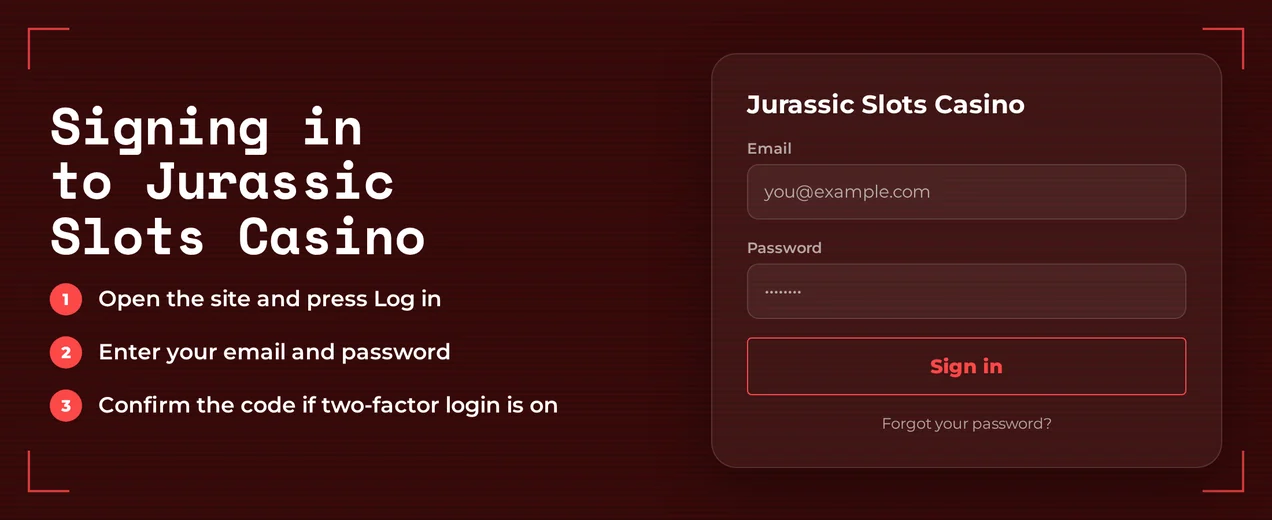
You can reach Jurassic Slots Casino directly through your web browser. Sign in from any device using the e-mail and password you set up during registration. Remember to activate your account by confirming the verification e-mail sent upon sign-up.
Open the Jurassic Slots Casino website in your browser.
Select the Log In button.
Type in the e-mail address you used to register.
Enter your password and ensure Caps Lock is not enabled.
Complete any e-mail verification prompt, then proceed to the main lobby.
Login Problems and Fixes
Most failed logins come from one of seven causes. Find your symptom in the table and apply the quick fix.
| Problem | Likely Cause | Quick Fix |
|---|---|---|
| Wrong password | Typo, Caps Lock or an outdated saved password | Retype it by hand; after two failures, reset the password |
| Account not active | Sign-up verification e-mail never confirmed | Open the verification e-mail and confirm it |
| Confirmation e-mail missing | Spam filter or a mistyped address | Check spam and promotions folders, then ask live chat to confirm the address on file |
| Account locked | Too many wrong attempts or a security review | Contact live chat (see Account Locked or Suspended) |
| KYC pending | ID and proof of address not yet approved | Send the documents and wait for approval |
| VPN or proxy active | Connection masks your real location | Switch it off, reload the page, log in again |
| Browser problems | Old cookies or cached data | Clear cookies and cache, or use a private window |
Clearing Cookies and Cache
Old browser data can sometimes interfere with the login page. Clearing it provides an instant solution.
- Navigate to your browser's settings and find the privacy or history section.
- Choose to delete cookies and cached files.
- Clear this data, then close all browser windows.
- Revisit the site and attempt to sign in once more.
- If problems persist, test the login in a private browsing window or try another browser.
Two-Factor Problems
Jurassic Slots Casino does not use authenticator apps. Your login relies on a password and e-mail confirmation, so a 'missing code' means an e-mail hasn't arrived.
- Look in your spam or junk mail folders.
- Verify the e-mail address you entered is correct for your account.
- Try asking for the e-mail to be resent.
- Should the email remain missing, contact live chat. Provide the address on file so support can verify.
How to Reset Your Password
You handle the whole process yourself. Support only gets involved if the reset email fails to show up.
- Go to the login page and select the 'forgot password' option.
- Type in the email linked to your player account.
- Check your inbox for the reset email and click the provided link.
- Create a fresh password and confirm the change.
- Sign in using your newly set password.
A secure new password should meet these criteria:
- Choose a password unique to this site
- Include a combination of capital letters, lowercase letters, digits, and special characters
- Avoid using personal information like your name or date of birth
Account Locked or Suspended
A lock prevents any login attempts. Only support can remove it after resolving the issue. The steps below outline the roles.
- Your step: reach out via 24/7 live chat or email support. Give your registered address and when the lock started.
- Support's step: examines the account and informs you of the cause.
- Your step: if required, submit your ID and a proof of address document.
- Support's step: unlocks the account once your documents are approved.
Reasons your access can stop:
- Connecting via a VPN or proxy, which is against the terms
- Documents are under review and not yet approved
- A cooling-off break or self-exclusion that you requested
You can ask for deposit limits, cooling-off breaks or self-exclusion. If any of these are active, contact live chat to check your account. For help with gambling harm, call ConnexOntario at 1-866-531-2600.
KYC Verification
Jurassic Slots Casino activates new accounts by email and requires ID and proof of address before any withdrawal. Withdrawals are held while documents are reviewed. Any account block is also removed only after approval.
Required Documents
- Identity: a valid government-issued photo ID (passport or driver's licence) and a selfie holding it
- Address and payment: a utility bill or bank statement showing your address, plus the front and back of the card used for deposits
Check with live chat where to send your files. Then wait for support to tell you they are approved.
VPN Policy
Using a VPN or proxy breaks Jurassic Slots Casino's rules. A hidden connection may lead to your account being restricted. Turn it off whenever you log in or play.
- Disconnect the VPN or proxy.
- Clear your cookies and cache.
- Reload the site and log in.
- If access remains impossible, please contact the live chat team. Provide the exact time you tried to log in.
Logging In via Mobile App
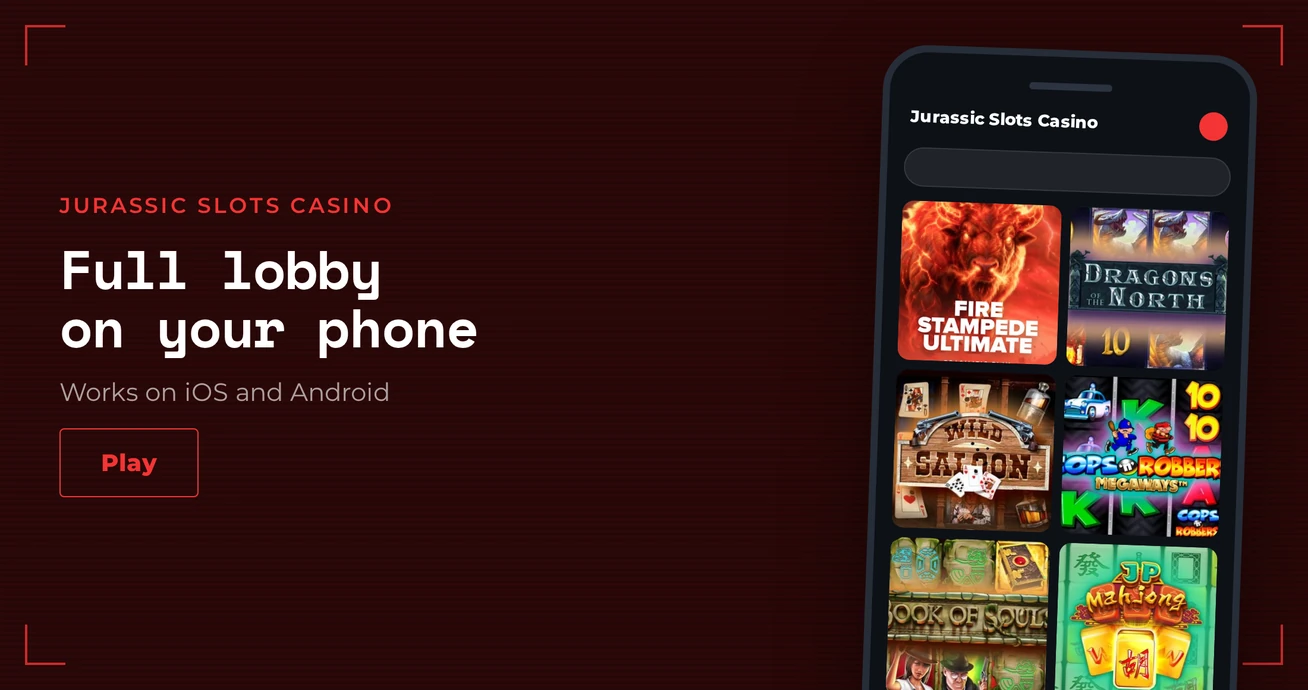
Jurassic Slots Casino does not offer an iOS or Android app. Access your account via your phone's browser on the mobile site. Use the same email and password as on a computer.
| Feature | Status |
|---|---|
| iOS app | No |
| Android app | No |
| Mobile browser site | Yes |
| Biometric login | No |
| Push notifications | No |
- Open your mobile browser and visit the site from a bookmark.
- Tap Log In.
- Enter your email and password.
There is no biometric login. A saved password in your browser is the only quick option. Keep your phone secure with its own lock screen.
Contact Support
Customer support is provided in English around the clock. For a locked account, using live chat is faster as an agent can review your status instantly.
| Channel | Hours | Language |
|---|---|---|
| Live chat | 24/7 | English |
| 24/7 | English |
Put these details in your first message:
- The email address registered on the account
- Share the specific error message displayed.
- Provide the time of your most recent login attempt.
- Include a screenshot showing the error.
FAQ
Jurassic Slots Casino accepts players aged 19 or over. Gambling is for entertainment. Set deposit limits, take regular breaks, and get help if it stops being fun.